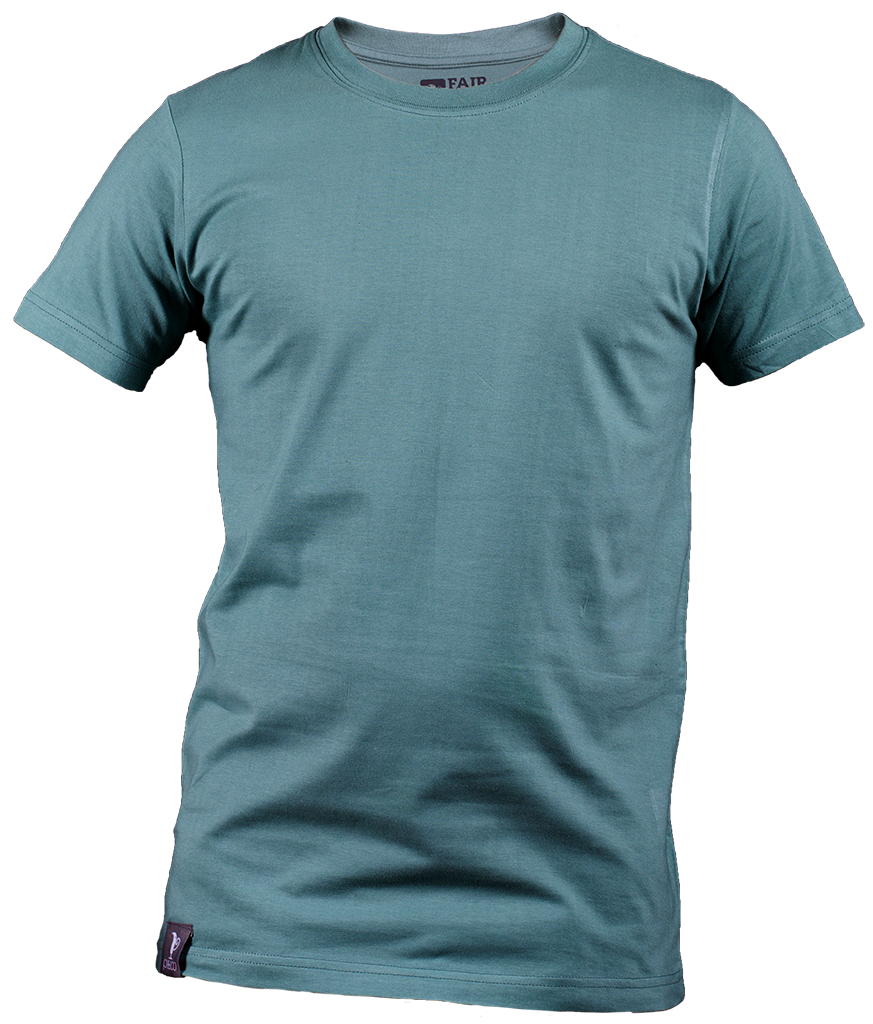
If you don't want to upload, use the sample images. Selfies are removed after 24 hours.
Preview
The try-on result will appear here after you press Try On.
Click the button below to automatically add the Virtual Try-On block to your theme. The theme editor will open with the block already inserted.